Get Started with the Web Reference App
The Web Reference App is an open-source video conferencing application built with React and the Vonage Video API. It demonstrates how to implement modern, multiparty session on the web using a modular frontend, a lightweight backend, and configurable features that adapt to different meeting scenarios.
What it includes
The Web Reference App provides a complete meeting flow and common conferencing building blocks:
- A landing page where users can create or join rooms.
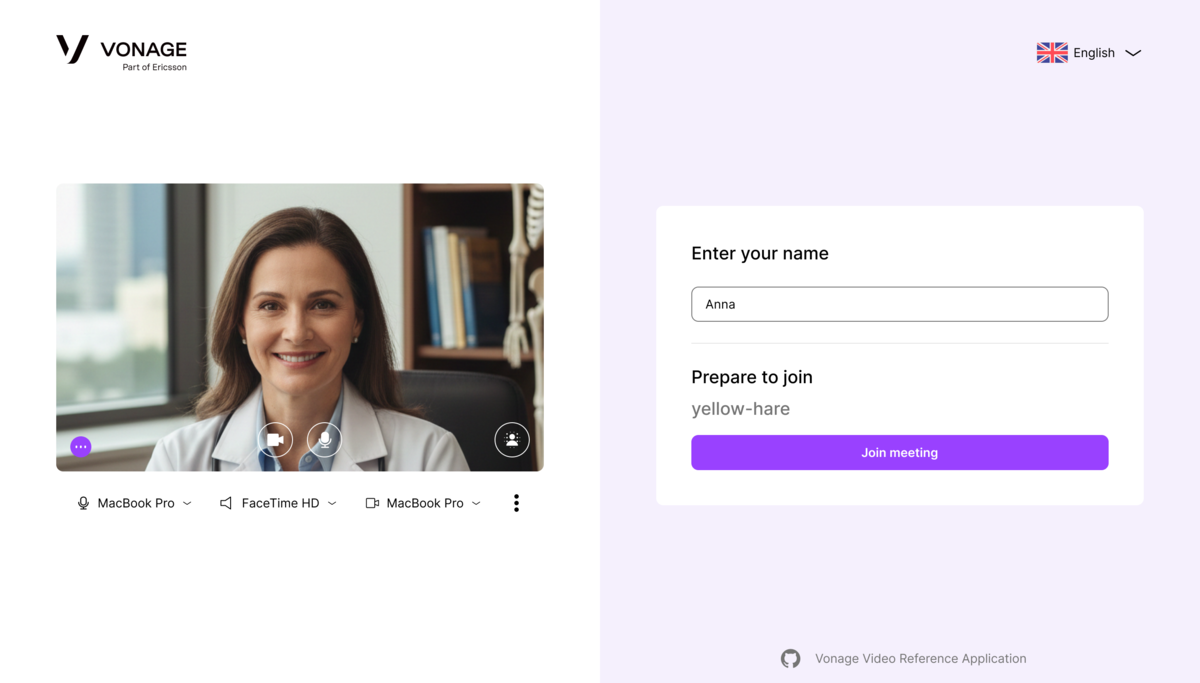
- A waiting room for previewing audio and video devices and setting a display name.
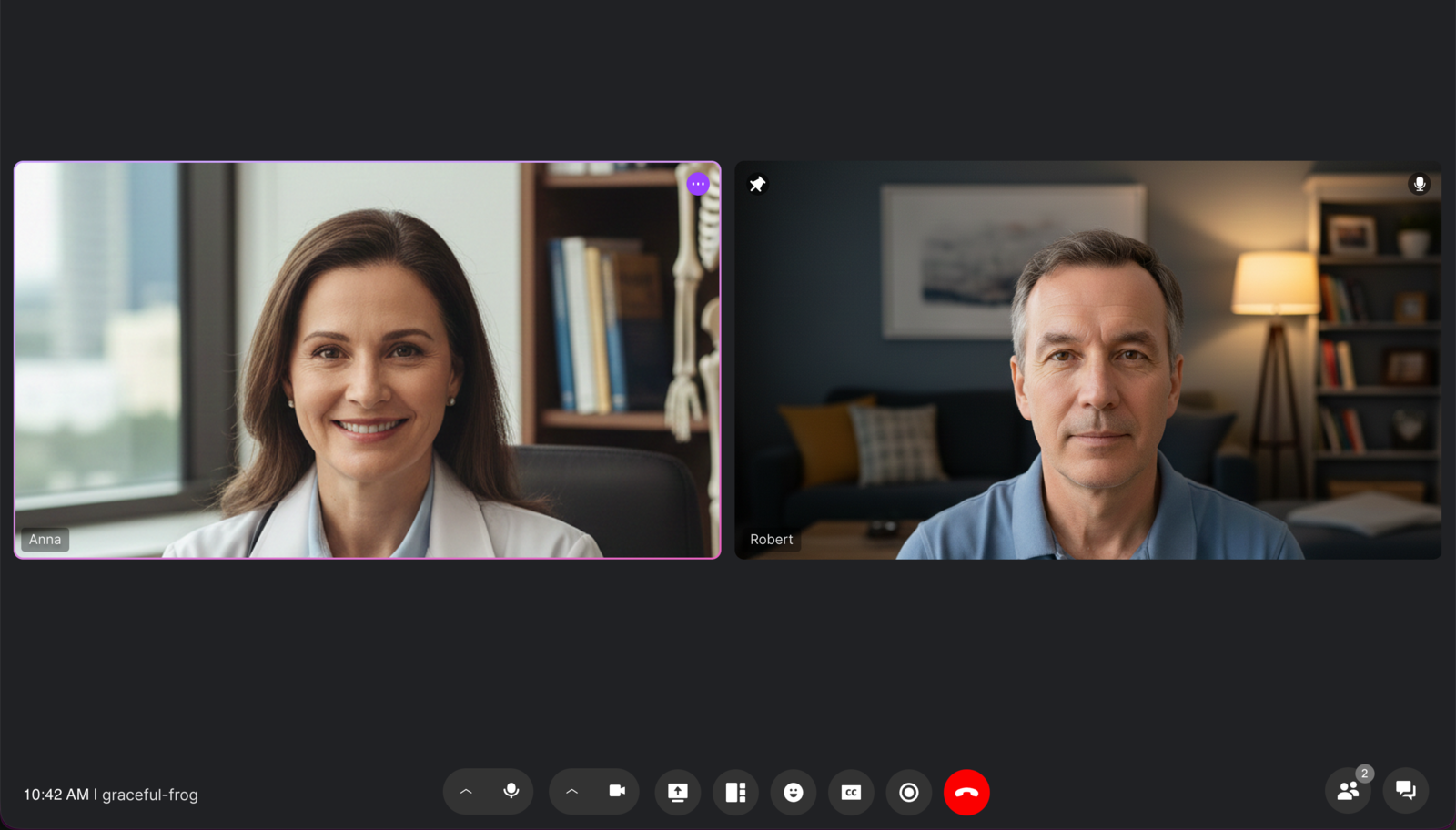
- A video room supporting up to 25 participants.
- A post-call page to return to the landing page and view available archives.
- Input/output device selectors for cameras, microphones, and speakers.
- Background effects including blur, preset images, and custom uploads (browser support varies).
- Noise suppression controls.
- Configurable features driven by a
config.jsonfile placed in thepublicdirectory. - In-call tools including chat, reactions, screen sharing, and archiving.
- Active speaker detection and a dynamic layout that adapts to network and participant changes.
- Advanced Settings panel: Configure publisher video and audio settings to optimize stream quality and performance. Adjust parameters such as resolution, bitrate, frame rate, audio codec, and audio levels to match streaming requirements. Use the real-time observability panel to monitor stream health. This feature provides immediate visibility into stream performance, helping identify issues quickly and maintain a stable, high-quality streaming experience for both publishers and viewers.
Architecture
The Web Reference App consists of a frontend and a backend:
-
Frontend (React + Vite):
Implements the landing flow, waiting room, meeting UI, layout manager, chat, reactions, background effects, advanced settings, reporting tool, and the post-call screen. -
Backend (Express):
Generates the session IDs and tokens required by the Vonage Video API. -
Testing and tooling:
Playwright is used for integration tests, including screenshot comparisons.
Common workflows such as linting and documentation generation are managed through yarn scripts.
Main features
The meeting experience includes:
- Landing and waiting rooms with full device setup.
- Screen sharing, including subscriber zoom (when media processor support is available).
- Group chat and emoji reactions.
- Noise suppression settings.
- Background effects (blur and image-based), supporting JPG, PNG, GIF, and BMP file types.
- Active speaker detection.
- Layout manager with grid, active-speaker, and screen-share modes.
- Dynamic tile management that conserves bandwidth and adjusts to participant changes.
- Participant list with audio on/off indicators.
- Composed archiving for recording meetings.
- Meeting information panel with a shareable room URL.
- Reporting tool for submitting in-call issues.
- Advanced settings to configure video, audio and check observability.
Customization
The Web Reference App supports feature and UI configuration without modifying source code.
Feature configuration
Feature flags are defined as environment variables in a shell script vcrBuild.env.sh, embedded at build time. You can customize:
- default layout and resolution
- audio and video on-join behavior
- supported languages and locales
- availability of in-call features (archiving, captions, chat, screen share, emojis)
- advanced settings (bitrate, frame rate, noise suppression, codec priority)
- device selection and microphone/camera controls
- notification duration
Theme and UI customization
To customize the app's visual theme, edit designTokens.json and run:
yarn sync:theme-tokens
This syncs your design tokens into the application's theme system.
Next steps
To install, configure, and run the Web Reference App, follow the instructions in the repository README: