Get Started with the Android Reference App
The Android Reference App demonstrates how to build modern, scalable meeting experiences using the Vonage Video API on Android devices. It is a fully open-source project that showcases recommended architecture, configuration systems, and UI patterns for delivering high-quality multiparty video calls.
What it includes
The Android Reference App provides:
- A complete meeting flow (landing page → waiting room → meeting room → post-call screen)
- Support for up to 25 participants
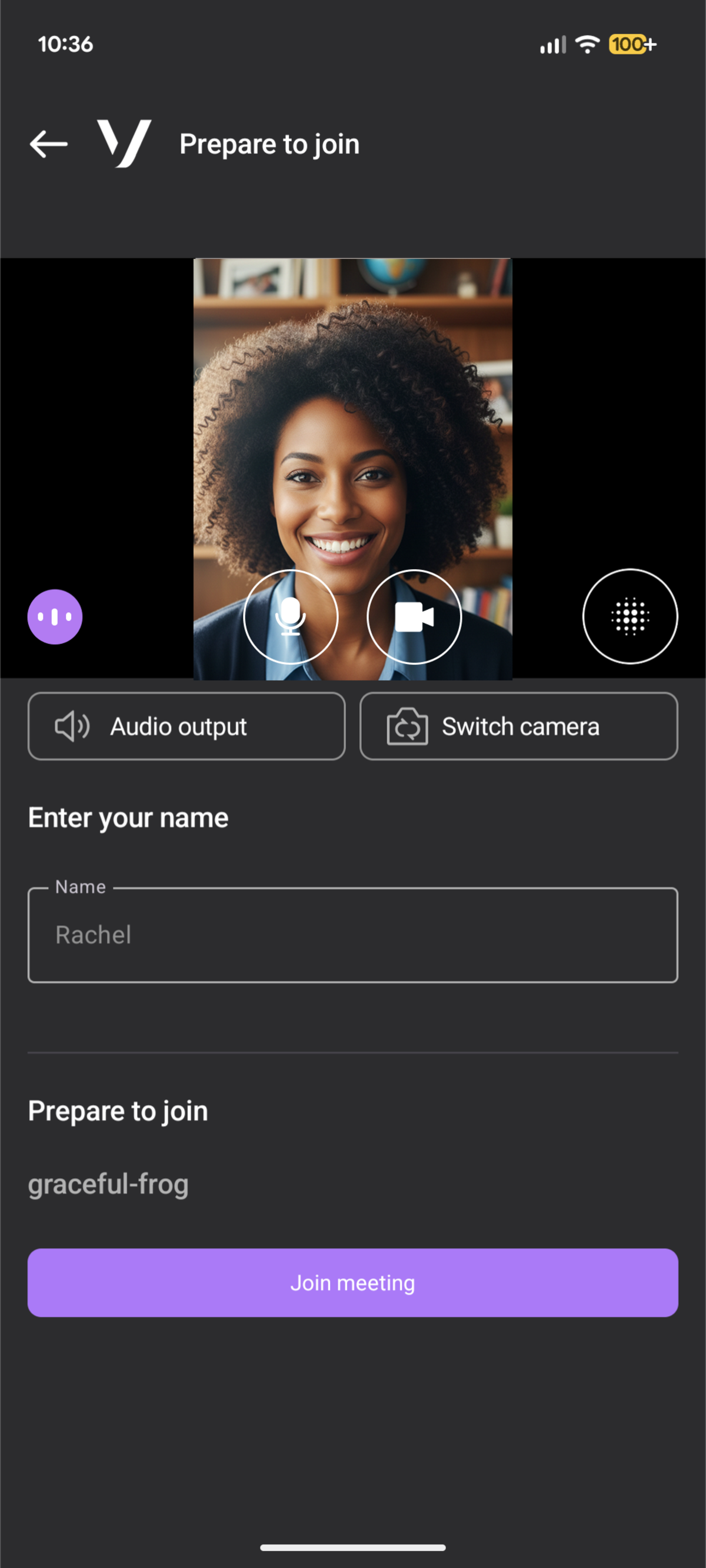
- A waiting room for device preview and display name entry
- A post-call page with navigation options and archive visibility
- Configurable features and UI theming through JSON files
- A modular codebase for extending or reusing components
- Production-aligned integration patterns for the Vonage Video API
Architecture
The Android Reference App is organized into a set of clearly defined modules:
- app — Main application module that composes screens and navigation using Jetpack Compose
- kotlin — Core business logic, Vonage Video SDK integration, domain models, and optional feature plugins
- compose — Reusable UI components and Material Design 3 theming
- vonage-feature-chat — Optional in-meeting chat feature
- build-tools — Custom Gradle plugins for reading configuration files and generating build-time resources
The app relies on a lightweight backend (provided in the React reference app repository) to generate session IDs and tokens for joining video rooms. The backend URL is provided through the app configuration.
Main features
The meeting experience demonstrated in the Android Reference App includes:
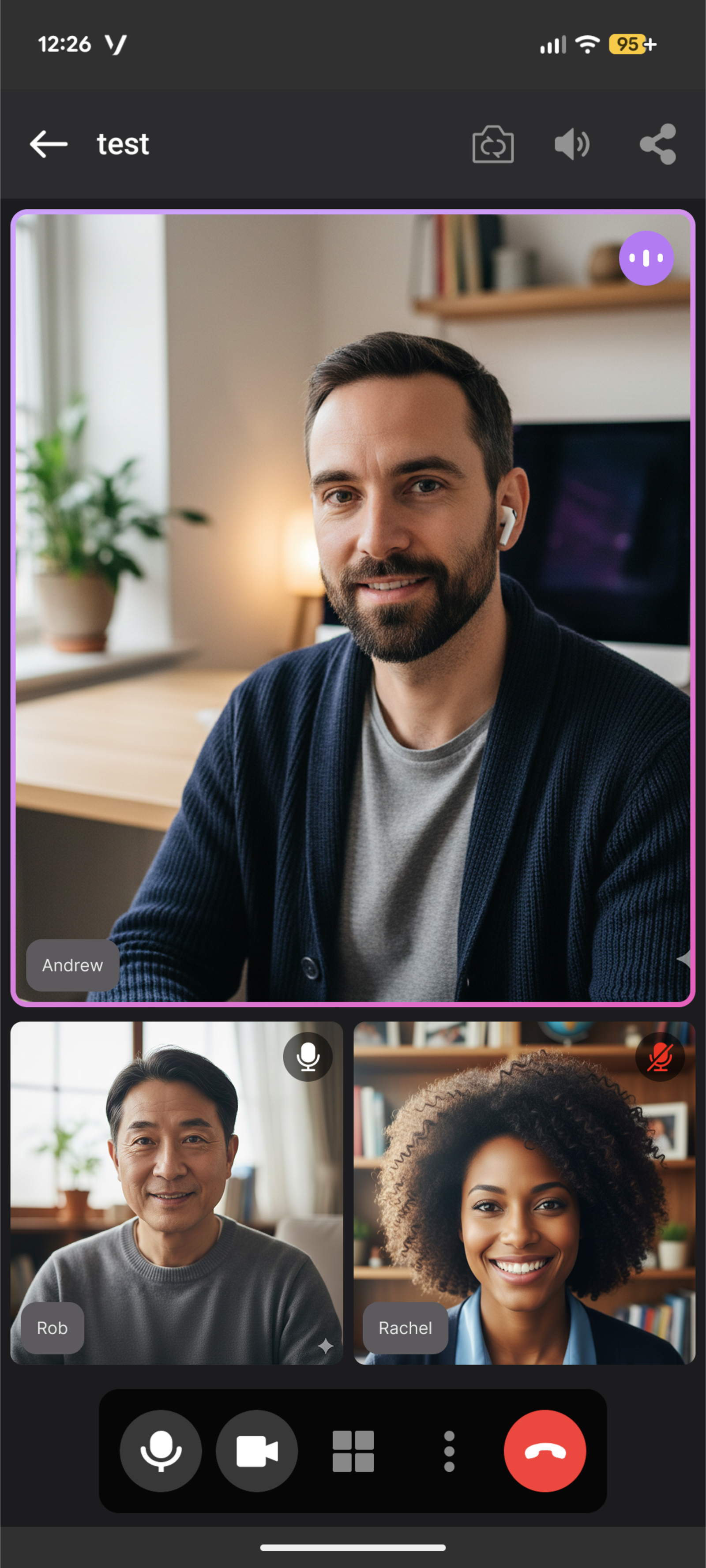
- Active speaker detection
- Adaptive layouts, including active-speaker and grid views
- Dynamic tile management that reacts to join/leave events and conserves bandwidth
- Participant list with audio mute indicators
- Screen sharing
- Foreground Service support to keep calls active while the app is in the background
- Optional chat (enabled through configuration)
- Waiting room with audio/video previews
- Post-call screen with archive visibility
These features follow recommended practices for performance, UX, and scalability on Android devices.
Customization
The Android Reference App can be customized without modifying the source code. Configuration is handled through JSON files in the config folder.
Feature configuration
Feature flags and application settings are defined in:
app-config.json– Feature flags and application settings.theme.json– UI theme configuration.
A custom Gradle plugin (JsonConfigPlugin) reads these configuration files at build time and generates the necessary build configuration.
The app-config.json file lets you configure feature flags such as:
- Chat
- Captions
- Screen sharing
- Background blur
Some features use product flavors (for example, the chat module with enabled and disabled variants).
For a full description of the configuration system, see docs/CONFIG-SYSTEM.md in the repository.
Theme and UI customization
You can customize the app colors by editing the config/theme.json file with your desired color scheme values.
The ThemeGeneratorPlugin Gradle plugin generates the theme resources in the compose module at build time.
Next steps
To set up, configure, and run the Android Reference App, follow the installation instructions provided in the repository README: