Create an Android project
New Android Project
Create new in-app-messaging folder:
Open Android Studio and, from the menu, select File > New > New Project.... Select a Empty Activity template type and click Next.
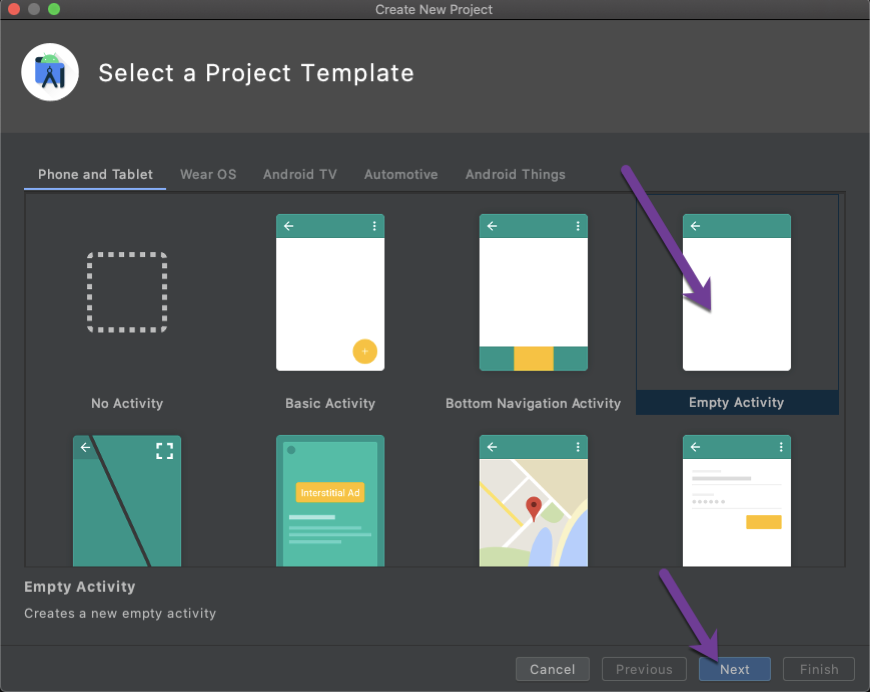
Enter in-app-messaging as project name and select as Kotlin language and press Finish button.
You now have a brand new Android Project.
Add Client SDK dependency
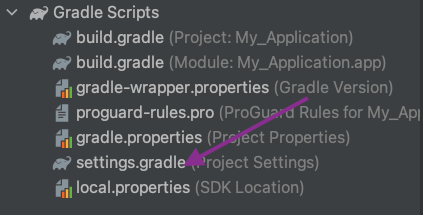
You need to add a custom Maven URL repository to your Gradle configuration. Add the following maven block inside the repositories block within the project-level settings.gradle file:
repositories {
    google()
    mavenCentral()
    maven {
        url "https://artifactory.ess-dev.com/artifactory/gradle-dev-local"
    }
}
If you are using an older version of Android Studio and there is no dependencyResolutionManagement in your settings.gradle file then add the maven block to the repositories block within the project-level build.gradle file:
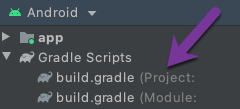
NOTE You can use the Navigate file action to open any file in the project. Run the keyboard shortcut (Mac: Shift + Cmd + O ; Win: Shift + Ctrl + O) and type the filename.
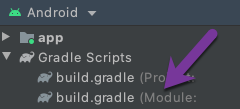
Now add the Client SDK to the project. Add the following dependency in the module-level build.gradle file.:
dependencies {
    // ...

    implementation 'com.nexmo.android:client-sdk:4.0.0'
}
Enable jetifier in the gradle.properties file by adding the below line:
android.enableJetifier=true
Finally, you will need to increase the memory allocation for the JVM by editing the org.gradle.jvmargs property in your gradle.properties file. We recommend this be set to at least 4GB:
org.gradle.jvmargs=-Xmx4096m -Dfile.encoding=UTF-8
Creating an Android chat app
Create a Android application that enables users to message each other using the Android Client SDK and Kotlin.