Account Takeover Protection
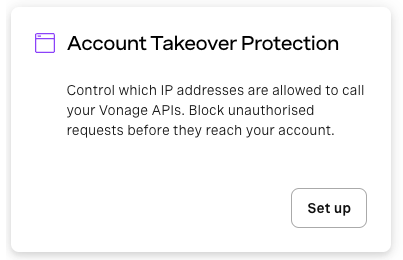
Account takeover attacks occur when threat actors gain unauthorized access to your Vonage account, often through stolen API credentials, and exploit your APIs to generate fraudulent traffic or incur costs on your behalf.
IP Allowlisting lets you define a list of trusted IP addresses permitted to call your Vonage APIs. Only IP addresses on your allowlist can call your Vonage APIs. Any request from an unlisted address is automatically blocked, so your account stays protected even if credentials are ever compromised.
How IP Allowlisting Works
Once you add at least one IP address to your allowlist, only requests originating from a listed address are accepted. All others are rejected.
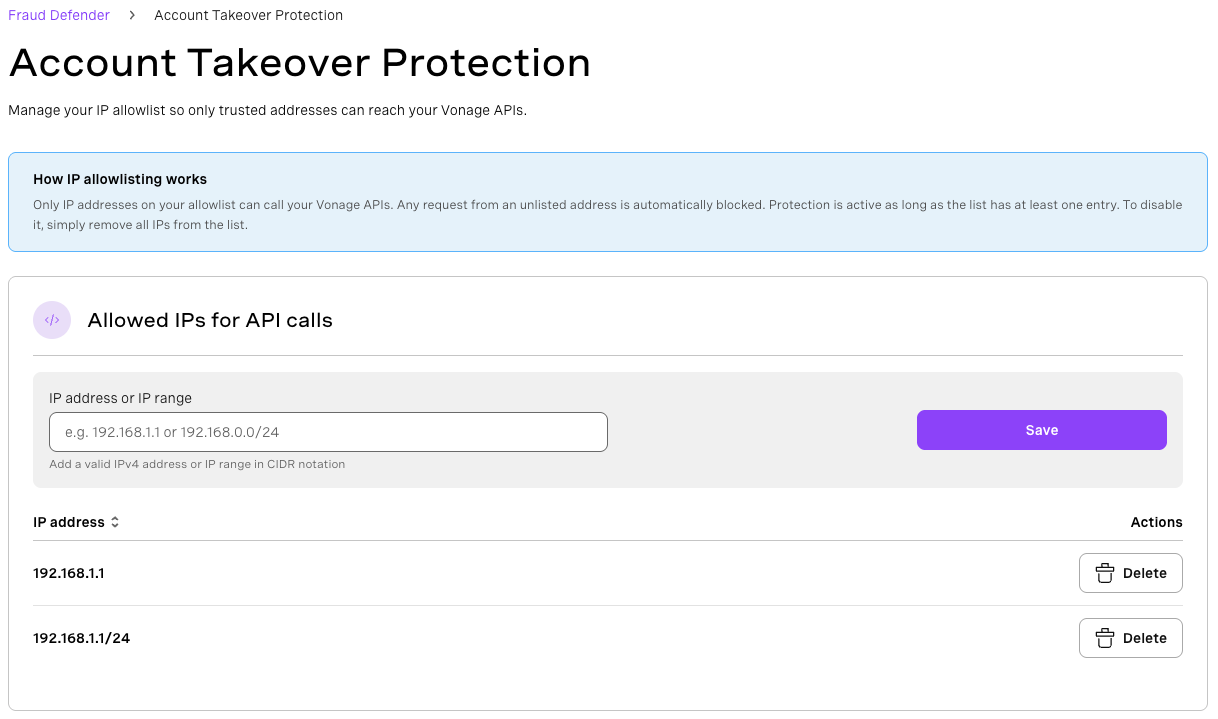
IP restrictions are active as long as the allowlist contains at least one entry. IP restrictions can be disabled at any time by removing all entries from your allowlist.
Important: Make sure all your application servers and CI/CD systems are included in your allowlist before activating IP restrictions. Any unlisted IP will be blocked immediately, which may cause integrations to break.
How to Set Up IP Restrictions
Dashboard
-
Select Account Takeover Protection.
-
Under API Call IPs, enter an IP address or IP range in the input field.
You can enter an individual IPv4 address, such as
192.168.1.1, or an IP range in CIDR notation, such as192.168.0.0/24. -
Select Save.
-
In the confirmation dialog, review the warning, then select Activate restrictions to confirm.
Repeat steps 3–5 to add additional addresses or ranges.
How to Disable IP Restrictions
IP restrictions can be disabled at any time by removing all entries from your allowlist.
From the Account Takeover Protection page, delete each entry from the API Call IPs list. Once the list is empty, restrictions are automatically lifted and all IP addresses can call your Vonage APIs again.