Voice Quality
The Voice Quality section lets you monitor the delivery performance of your outbound voice calls, broken down by network.
To access it, navigate to Delivery and Quality → Voice Delivery in the dashboard.
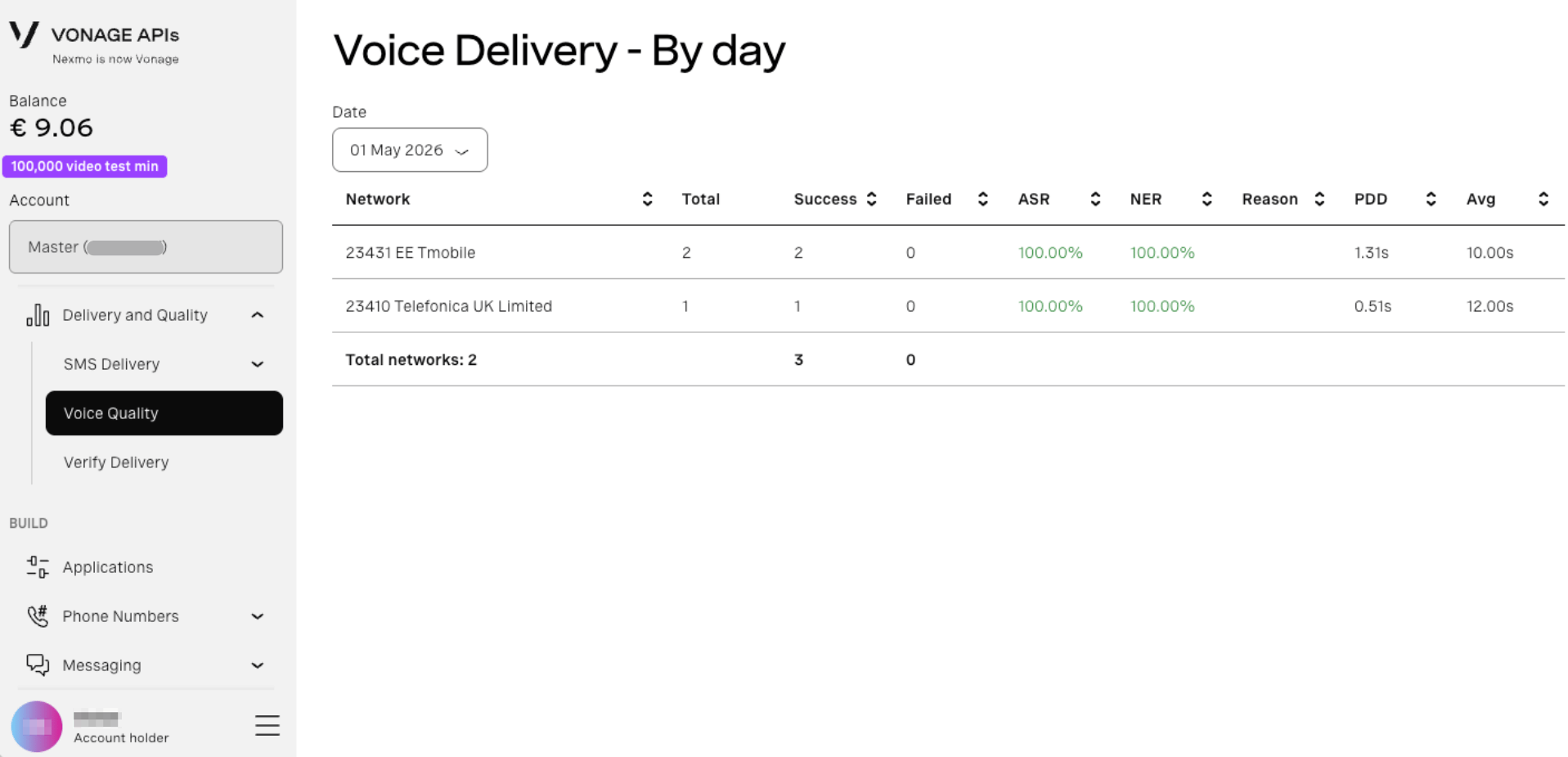
By Day
Displays voice call delivery statistics for a selected date, grouped by network.
- Navigate to Delivery and Quality → Voice Delivery.
- Select a date using the Date dropdown.
- The table updates automatically.
Metrics
| Column | Description |
|---|---|
| Network | The carrier network the call was delivered to |
| Total | Total number of call attempts |
| Success | Number of successfully connected calls |
| Failed | Number of failed call attempts |
| ASR | Answer Seizure Ratio — percentage of calls answered |
| NER | Network Effectiveness Ratio — measures network-level delivery success |
| Reason | Failure reason for unsuccessful calls |
| PDD | Post Dial Delay — time between dialling and the call connecting |
| Avg | Average call duration |