Verify Delivery
The Verify Delivery section lets you monitor the delivery performance of your Verify API requests, filtered by date range and network.
To access it, navigate to Delivery and Quality → Verify Delivery in the dashboard.
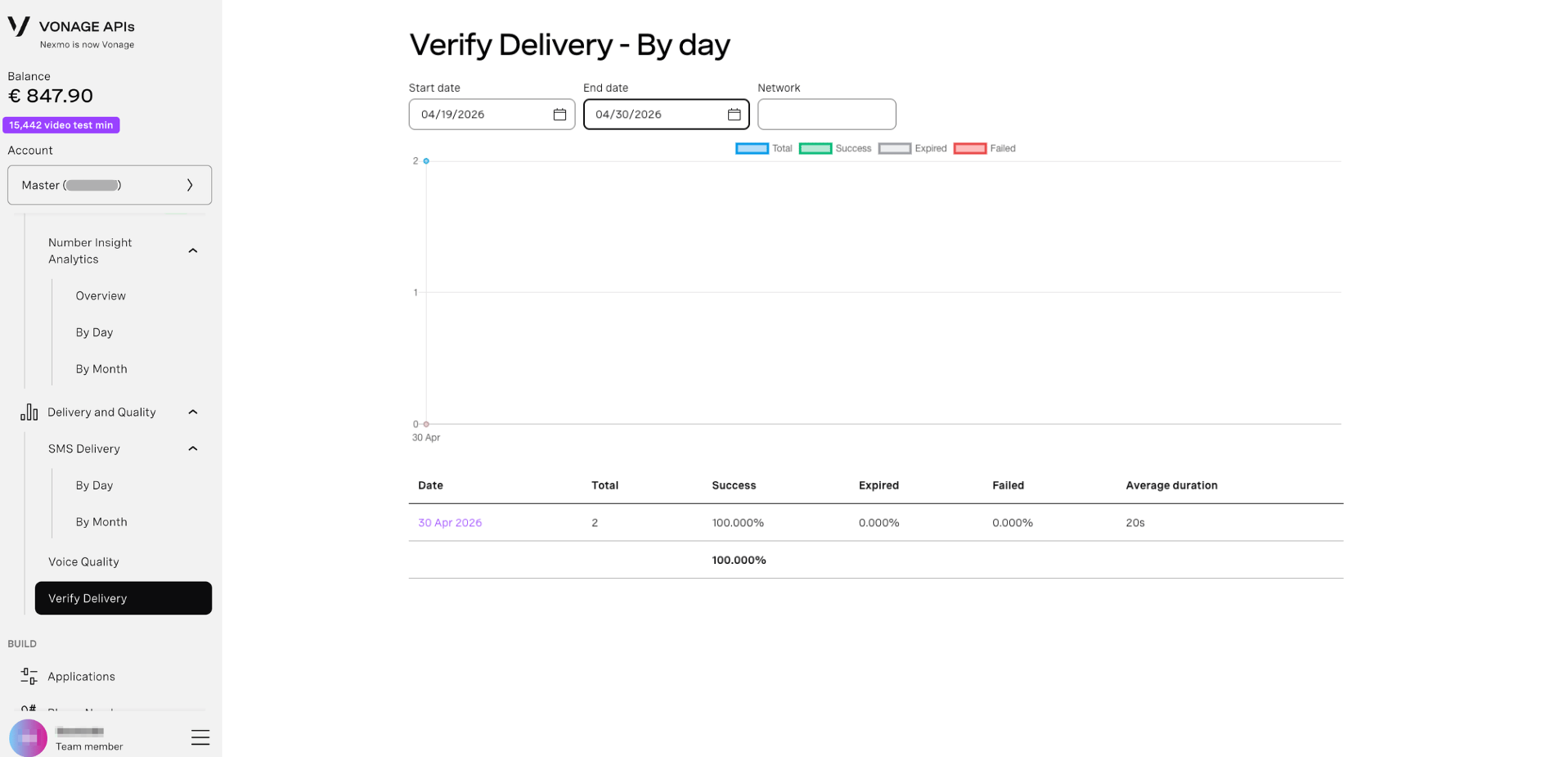
By Day
Displays Verify delivery statistics broken down by day for a selected date range.
- Navigate to Delivery and Quality → Verify Delivery.
- Set a Start date and End date using the date pickers.
- Optionally, filter by Network to narrow results to a specific carrier.
- The table updates automatically.