View Pricing
Download product pricing for all countries available on your Vonage account.
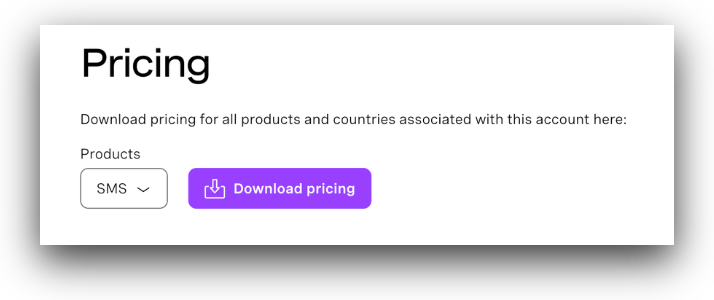
How to Download Pricing
- Log in to your Vonage Dashboard
- Navigate to Billing → Pricing in the left sidebar.
- Select a product from the dropdown (SMS, Voice, Numbers, etc.).
- Click Download pricing
- A CSV file will download with pricing for all destinations.
Note: Pricing may vary by country and product. The downloaded file includes your account-specific rates, which may differ from standard pricing if you have a custom contract.
What's Included in the Pricing File
The downloaded CSV contains:
- Country Code - Two-letter ISO country code (e.g., US, GB, PL)
- Country Name - Full country name
- Network - Mobile network operator code
- Network Aliases - Alternative network identifiers
- Network Name - Full operator name (e.g., T-Mobile, Vodafone)
- Prefix - Phone number prefix for the network
- Price (EUR) / message - Cost per message or per minute in EUR
- Valid from (UTC) - When this pricing became effective