Getting Started with Video
The Work with Video page helps you get started with the Vonage Video API. Pick an option to start your journey and discover how the Video API can best serve your needs.
In the left-hand navigation, click Video → Getting Started.
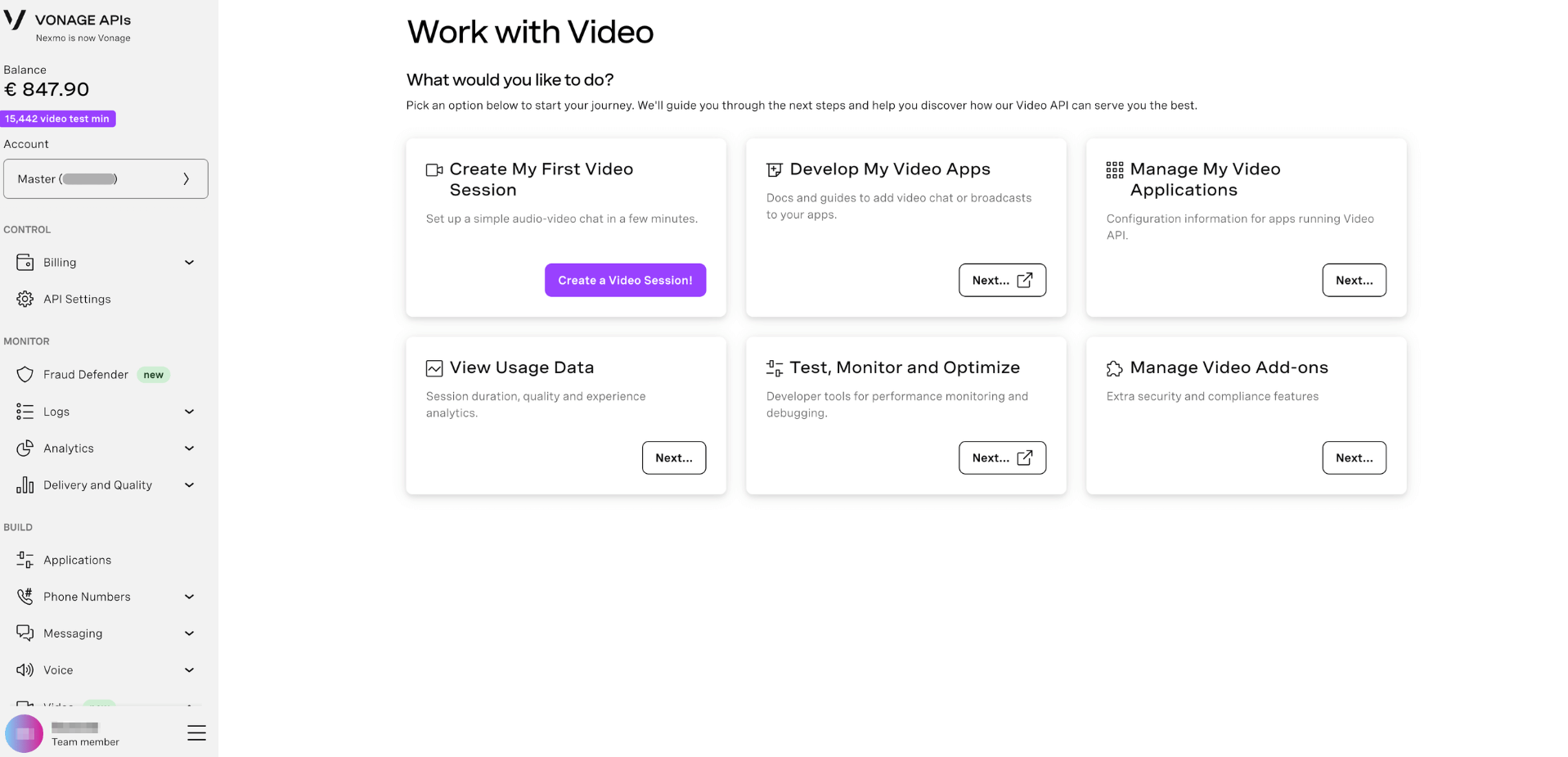
The following options are available:
| Option | Description |
|---|---|
| Create My First Video Session | Set up a simple audio-video chat in a few minutes. Click Create a Video Session! to get started immediately. |
| Develop My Video Apps | Docs and guides to add video chat or broadcasts to your apps. |
| Manage My Video Applications | Configuration information for apps running the Video API. |
| View Usage Data | Session duration, quality, and experience analytics. |
| Test, Monitor and Optimize | Developer tools for performance monitoring and debugging. |
| Manage Video Add-ons | Extra security and compliance features. |
Further Reading
- Video API overview — Learn about the Vonage Video API and its capabilities.
- Video Add-ons — Explore extra security and compliance features for your video applications.
- Applications — Create and manage Vonage applications for use with the Video API.