Get Started with Identity Insights Using the Dashboard
From the Getting Started UI in the dashboard, you can also use the API without writing any code, eliminating any friction related to authentication generation or connectivity. It offers two test modes:
- Sandbox: Choose from a predefined list of phone numbers to explore API behavior using mocked examples.
- Live: Select your preferred application and test phone numbers based on its supported capabilities.
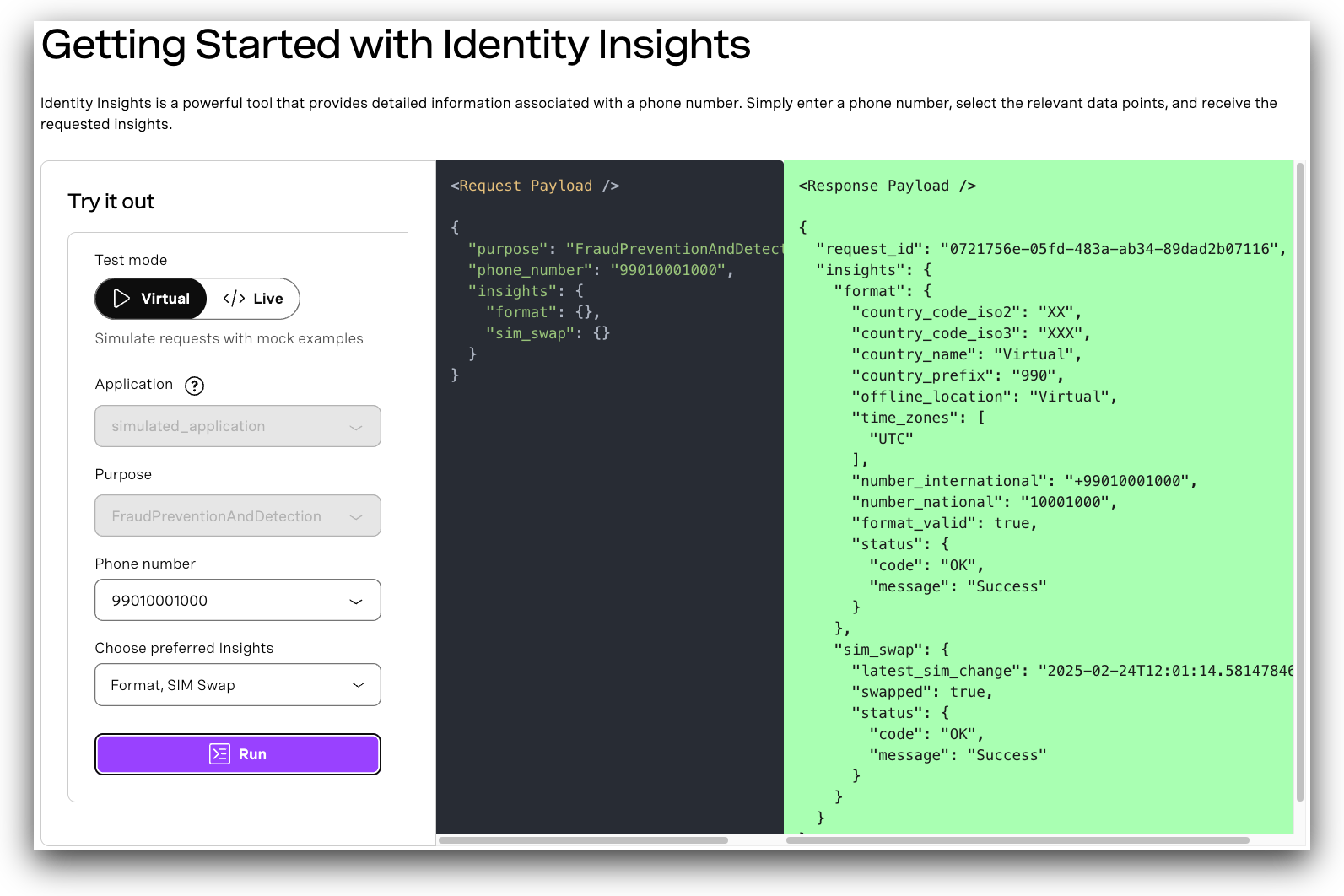
In the sandbox, you can select different phone numbers from the drop down to see how responses can vary for customers in different scenarios.
To use the live option, you must have an application that is authorised to use the selected insights in the target geography. Depending on the insights you select, you must also provide additional information to send with your request.