Share:
)
Max is a community manager with over a decade of experience building and scaling community programs around the world. He's passionate about connecting people, creating spaces to share ideas, and making sure community voices shape the future of the products they use. Originally from London, he now lives in NC with his wife, two daughters, and their golden retriever, Sadie.
Where to Get Help When You’re Building with Vonage APIs
Time to read: 4 minutes
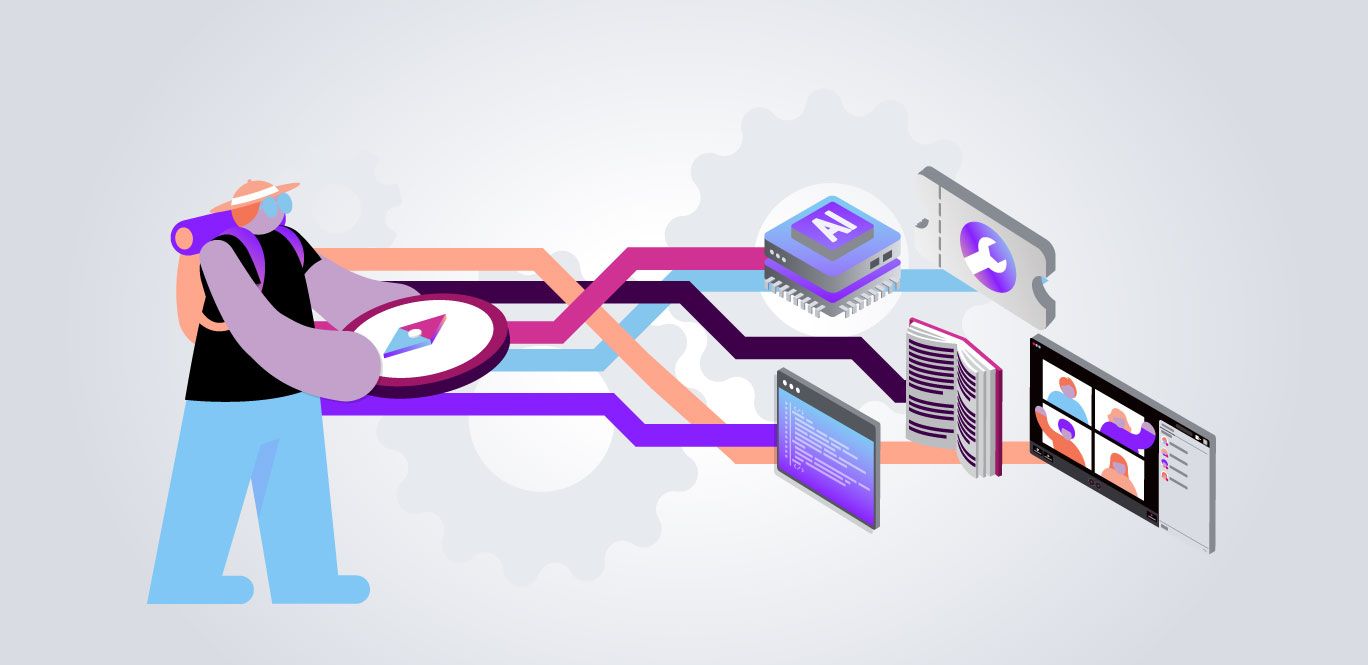
When you're building with Vonage APIs, the last thing you want is to waste time figuring out where to get help. Whether you're hitting an error at 2am, looking for a code example, or trying to figure out the right architecture for your integration; there's a right channel for every type of question, and knowing which one to use makes all the difference.
Keep this post handy; it’s a useful reference you can come back to anytime
What you need | Where to go |
Documentation, code samples, and API references | |
Quick answers to common errors and troubleshooting questions | |
Technical issues, account problems, or billing support | |
MCP server documentation and implementation guidance | |
API support resources and help articles | |
Monthly developer updates, releases, and community news | |
Video tutorials, demos, and live streams | |
Guided tutorials and learning paths | |
In-person developer events and meetups |
Start here for almost everything.
The Vonage Developer Portal has comprehensive API references, how-to guides, code snippets in multiple languages, SDK documentation, and structured learning paths. If you’re asking, “how do I do X with Y API,” the answer is almost certainly already there.
Best for:
Getting started with a new API
Finding code examples (Node.js, Python, PHP, Java, and more)
Understanding API limits, error codes, and authentication flows
Exploring what’s possible before you build
Example questions that belong here:
“How do I send an SMS with the Messages API?”
“What are the rate limits for the Voice API?”
“How do I set up a webhook for inbound messages?”
“Which SDKs support the Verify v2 API?”
The fastest path to an answer for common errors and how-to questions.
Kapa is our AI assistant, trained on Vonage documentation and the support knowledge base. It’s available directly on the support portal and on the developer portal. For the most common questions, error codes, auth flows, webhook setup, it resolves issues instantly without you needing to wait for a human.
Best for:
Decoding error codes (401, 429, 1001, etc.)
Quick how-to questions when you don’t want to search the docs
Checking if a known issue already has a documented fix
Example questions that belong here:
“Why am I getting a 429 error on the Messages API?”
“How do I authenticate with a JWT instead of an API key?”
“What does error code 1001 mean?”
“Why is my webhook not receiving events?”
For anything that needs tracked, accountable resolution, especially production issues.
If Kapa AI can’t resolve your issue, or if you’re dealing with a production outage, a billing discrepancy, or an account-level problem, submit a support ticket. All tickets go through AI-first intake, then are triaged by a Generalist support engineer, escalated to a domain Specialist (Messaging, Voice/Video, or Developer), and, if needed, to an Expert for the most complex cases.
Best for:
Production outages or service degradation
API errors you can’t resolve through docs or AI
Billing and account issues
Number provisioning problems
Anything that needs a paper trail
Example questions that belong here:
“My SMS messages are failing in production; I need urgent help”
“There’s a billing discrepancy on my account”
“My API key is returning 401 errors despite correct credentials”
“A number I provisioned isn’t working correctly”
Note: For urgent production issues, go straight to a ticket.
Find us IRL; meetups, workshops, and hackathons near you.
The Vonage Community Partners program is a global network of developer meetups, workshops, and hackathons that Vonage supports. If you want to meet Vonage developers and Vonage Developer Advocates in person, connect with other builders in your city, or attend a hands-on workshop, this is where to look.
The partner directory is filterable by city, language, and focus area. Each partner has upcoming events listed, so you can find something near you.
Best for:
Meeting Vonage DevRel advocates in person
Hands-on workshops and hackathons
Networking with other API builders in your city
Finding out which conferences and events Vonage will be at
Structured, self-paced learning for every stage of your build.
The Vonage Learning Center has structured learning paths for developers at every level, from your first API call to production-scale integrations. Paths include hands-on coding exercises in GitHub Codespaces and completion certificates.
Best for:
Getting started with Vonage APIs from scratch
Learning a specific product end-to-end (Voice, Verify, Messages, Video)
Earning a certificate to demonstrate your skills
Structured onboarding for your team
Start with Kapa AI on the support portal, it will suggest the right path based on your question. For anything urgent or production-impacting, go straight to a support ticket.
Have a question or want to share what you're building?
Subscribe to the Developer Newsletter
Follow us on X (formerly Twitter) for updates
Prefer video? Watch tutorials on our YouTube channel
Connect with us on the Vonage Developer page on LinkedIn
Help us improve our developer experience by filling out our Voice of the Developer Feedback
Stay connected and keep up with the latest developer news, tips, and events.
Share:
Max is a community manager with over a decade of experience building and scaling community programs around the world. He's passionate about connecting people, creating spaces to share ideas, and making sure community voices shape the future of the products they use. Originally from London, he now lives in NC with his wife, two daughters, and their golden retriever, Sadie.