Share:
)
Alvaro is a former member of the Vonage Team. He was a developer advocate at Vonage, focusing on Network APIs. Passionate about Developer Experience, APIs, and Open Source. Outside work, you can often find him exploring comic shops, attending sci-fi and horror festivals or crafting stuff with those renowned tiny plastic building blocks.
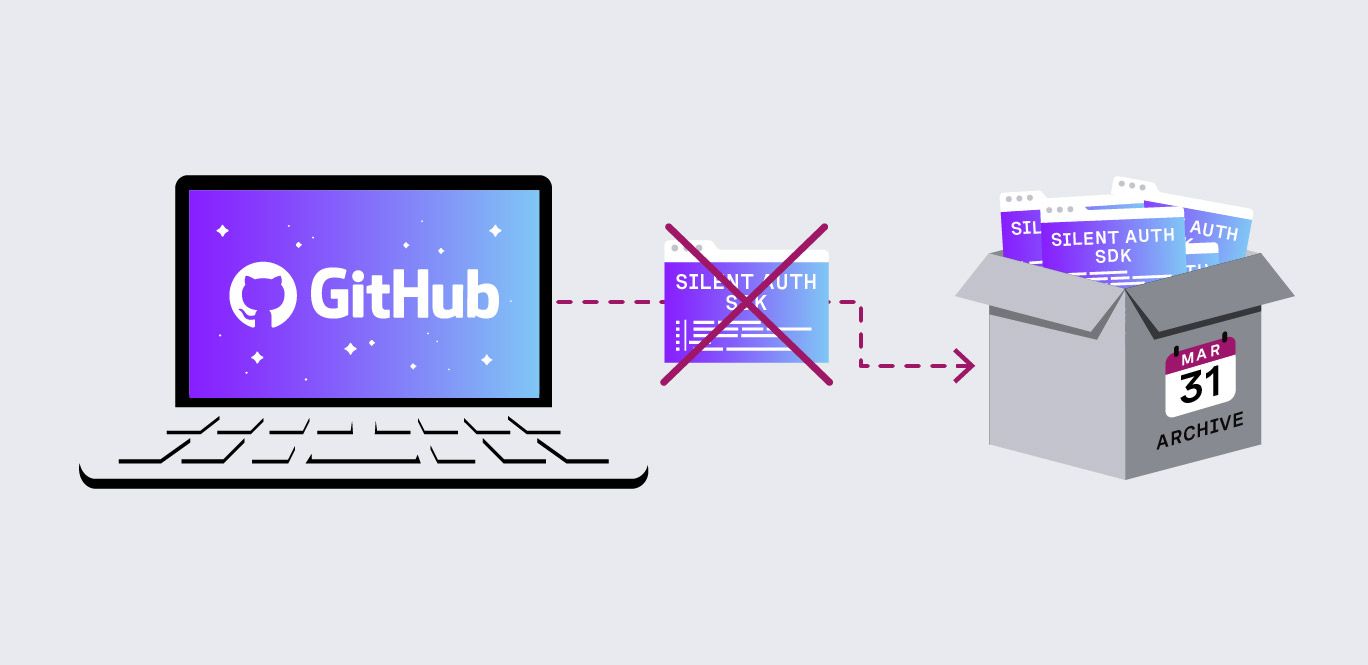
Silent Auth SDKs Will Be Removed from GitHub Soon
Time to read: 2 minutes
As part of our ongoing efforts to simplify and modernize our mobile SDK ecosystem, we will be archiving two repositories from the Vonage GitHub organization on March 31, and will no longer be maintained.
The following SDKs were previously marked as deprecated and are no longer maintained:
The functionality previously provided by the deprecated Silent Auth SDKs is now available through our maintained client libraries:
If your application still depends on the Silent Auth SDKs, we recommend migrating to the new, maintained client libraries described above.
Migrating to the new SDKs mainly involves updating your dependencies, imports, and client initialization.
Update your project dependencies to replace the old library:
com.vonage:client-sdk-silent-authWith the new one:
com.vonage:client-libraryRemove the existing import:
import com.vonage.silentauth.VGSilentAuthClientAnd replace it with:
import com.vonage.clientlibrary.VGCellularRequestClientReplace the current SDK initialization with the new library:
VGCellularRequestClient.initializeSdk(this.applicationContext)Finally, update the network call as follows:
val params = VGNumberVerificationParameters(
 url = "http://www.vonage.com",
  headers = mapOf("x-my-header" to "My Value"),
  queryParameters = mapOf("query-param" to "value"),
  maxRedirectCount = 10
)

val response =
VGNumberVerificationClient.getInstance().startNumberVerification(params, true)
Update your project dependencies to replace the old library:
VonageClientSDKSilentAuthWith the new one:
VonageClientLibraryRemove the existing import:
import VonageClientSDKSilentAuthWith:
import VonageClientLibraryReplace the current SDK initialization with the new library:
let client = VGCellularRequestClient()Finally, update the network call as follows:
let params = VGNumberVerificationParameters(
  url: "http://www.vonage.com",
  headers: ["x-my-header": "My Value"],
  queryParameters: ["query-param": "value"],
  maxRedirectCount: 10
)

let response = try await client.startNumberVerification(params: params)
If you have questions about migrating to the new client libraries, feel free to open an issue in the SDK repositories or reach out through our developer support channels.
Have a question or want to share what you're building?
Subscribe to the Developer Newsletter
Follow us on X (formerly Twitter) for updates
Prefer video? Watch tutorials on our YouTube channel
Connect with us on the Vonage Developer page on LinkedIn
Help us improve our developer experience by filling out our Voice of the Developer Feedback
Stay connected and keep up with the latest developer news, tips, and events.
Share:
Alvaro is a former member of the Vonage Team. He was a developer advocate at Vonage, focusing on Network APIs. Passionate about Developer Experience, APIs, and Open Source. Outside work, you can often find him exploring comic shops, attending sci-fi and horror festivals or crafting stuff with those renowned tiny plastic building blocks.