Länder
Mit der Länderverwaltung von Fraud Defender können Sie Ihre Anfälligkeit für betrügerische Aktivitäten begrenzen, indem Sie alle Zielländer sperren, mit denen Sie keine Geschäfte machen.
Denken Sie daran, dass die Verkehrsregeln Vorrang haben: Wenn Sie eine Regel zum Zulassen von Datenverkehr für eine Vorwahl erstellen, werden alle Numbers, die mit dieser Vorwahl oder diesem Bereich übereinstimmen, von KEINEM Schutz von Fraud Defender blockiert. Wenn Sie außerdem eine Blockierregel für ein Präfix erstellen, wird der gesamte Verkehr, der mit einem solchen Präfix oder Bereich übereinstimmt, blockiert (unabhängig davon, ob das Ziel in der Länderfunktion aktiviert ist).
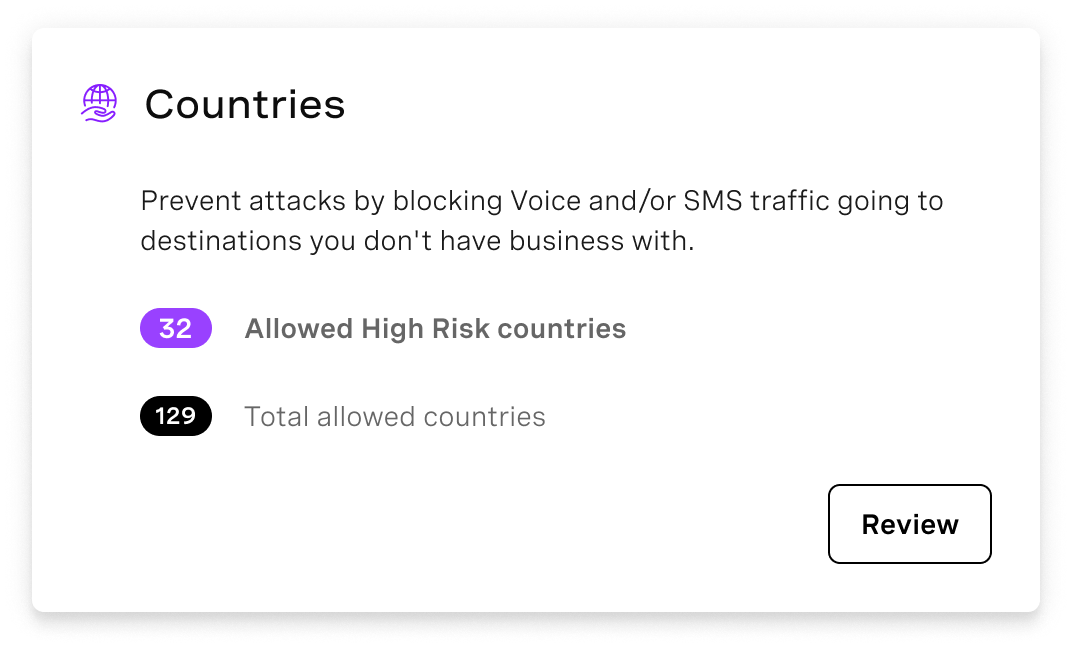
Sie können auf die Länderfunktion über das Menü Dashboard von Fraud DefenderBlättern Sie zum Abschnitt "Schutz" und klicken Sie auf die Schaltfläche "Überprüfung" auf der Kachel "Länder":
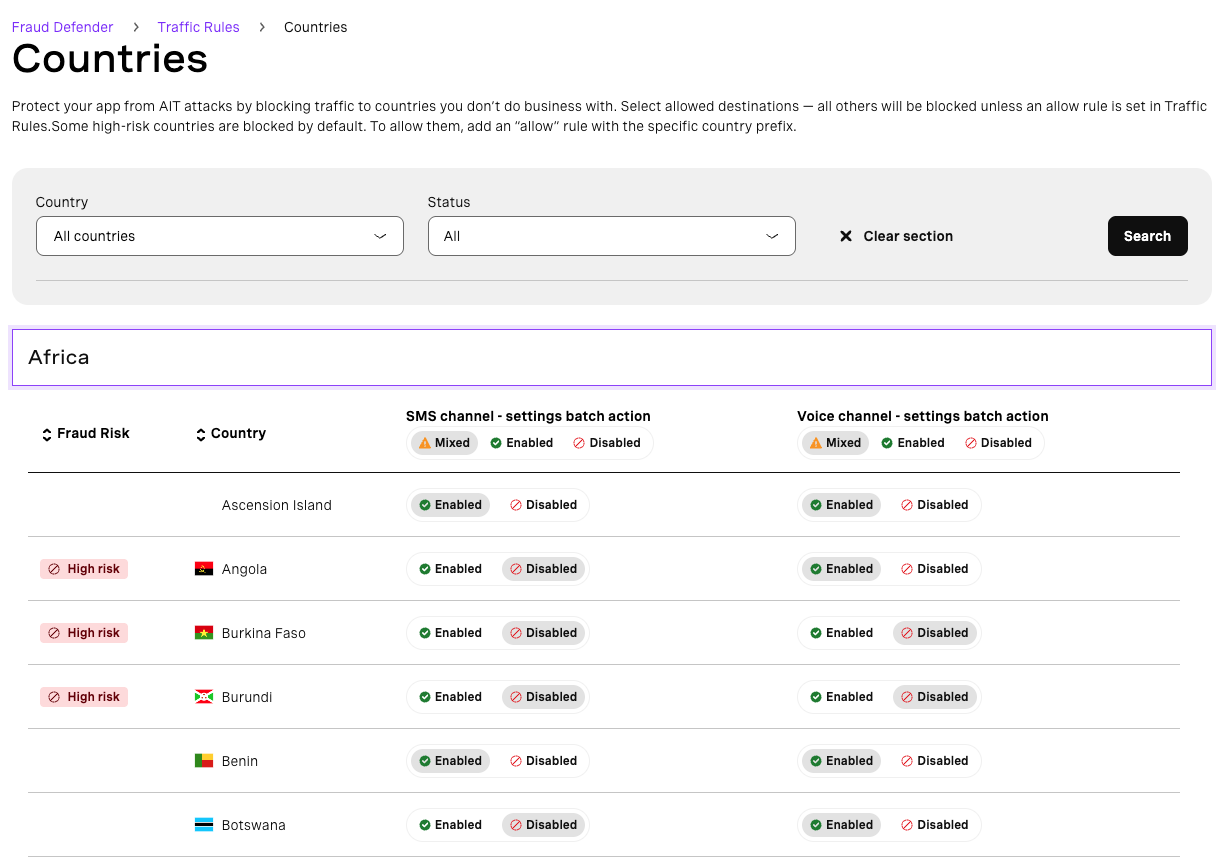
Beachten Sie, dass Sie den Datenverkehr in Richtung eines Kontinents für einen bestimmten Kanal (Sprache oder SMS) mit einem einzigen Klick blockieren oder zulassen können, oder Sie können ihn pro Land und pro Kanal anpassen.